AI chat
Find the information you need faster.Overview
AI chat is purpose-built for researching investor relations material. Ask questions across all events and documents from public companies and receive instant answers sourced exclusively from first-party information. Each response links directly to the exact page in the original source document, providing full traceability and letting you act with confidence. The chat is fully integrated into the overall Quartr Pro workflow. Open source documents side-by-side with the chat, visualize trends in charts, tables, or plain text, and export custom data sets – all within the same interface.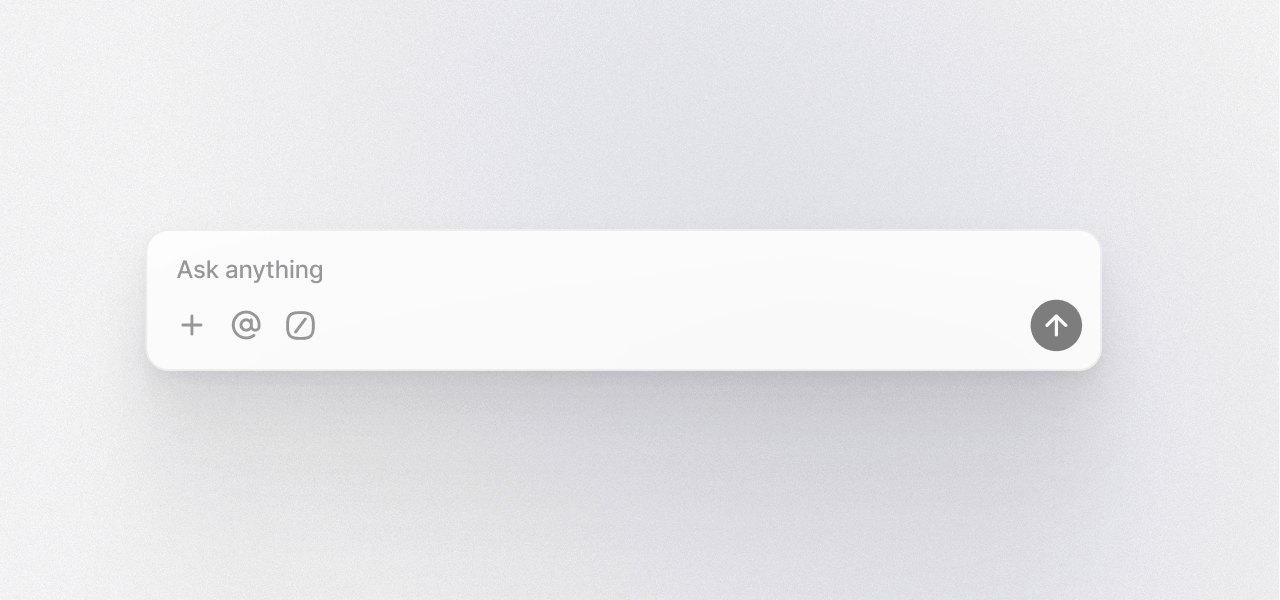
Create prompt
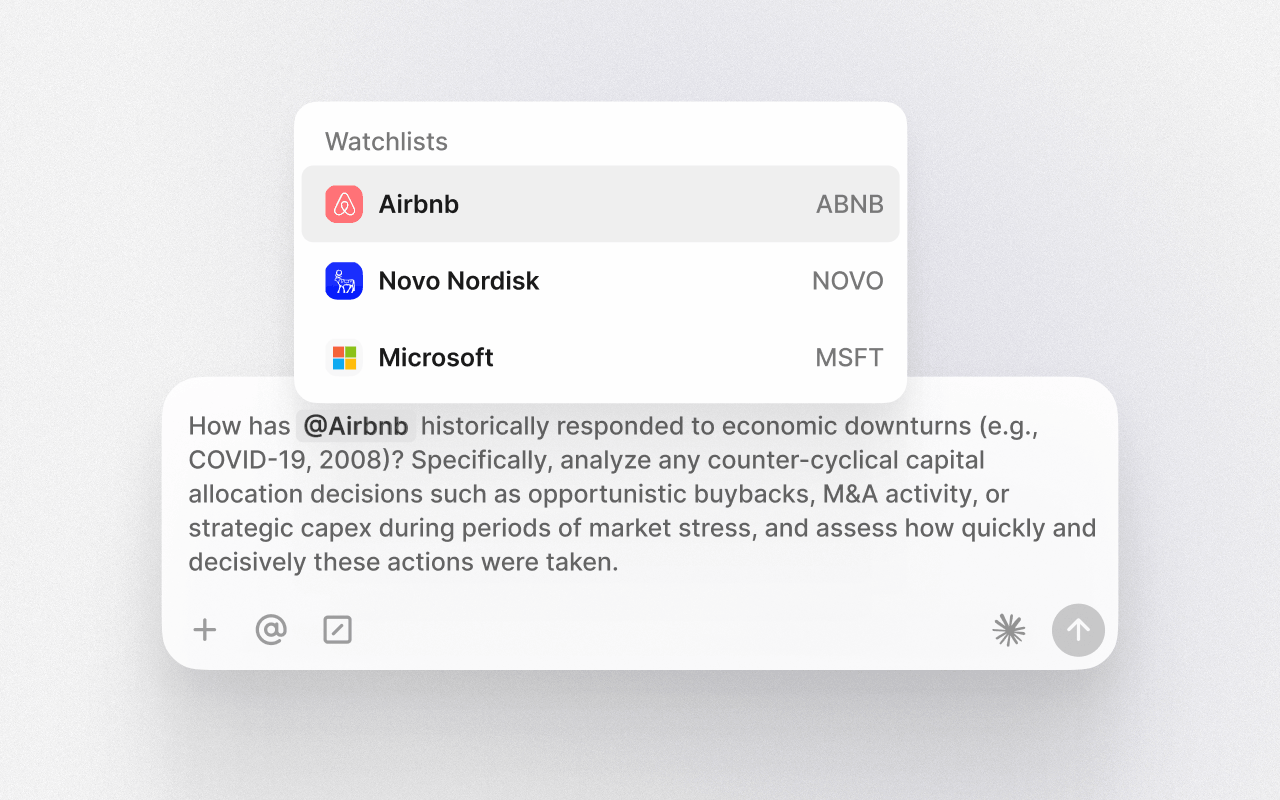
Use the input field to ask a question, summarize a document, or extract data. The chat understands natural language and pulls answers directly from transcripts, filings, and slide presentations from over 15,000 public companies. Prompts can be simple or highly specific depending on your needs and workflow.Type @ and select any company or watchlist to limit the query to that scope. This narrows results and speeds up processing by focusing the dataset.Choose the model you prefer for each query – such as Claude, GPT, or Gemini – to match your needs for reasoning, speed, or style.Save prompts directly inside AI chat and turn them into reusable assets:- Enter AI chat and click Prompts in the upper left.
- Create and save prompts with descriptive names for easy search.
- Use @placeholder to make them reusable for any company.
- Type / in the chat or click the slash icon to open your personal prompt library.
- Fill in variables and apply. You can choose to allow the AI chat to also source wider web results by clicking the icon.
Explore AI chat use cases.
Check source
Every answer includes direct links to the exact pages used to generate the response. Click any citation to open the source document side-by-side with the chat, letting you verify insights instantly while seeing the surrounding context in the original document.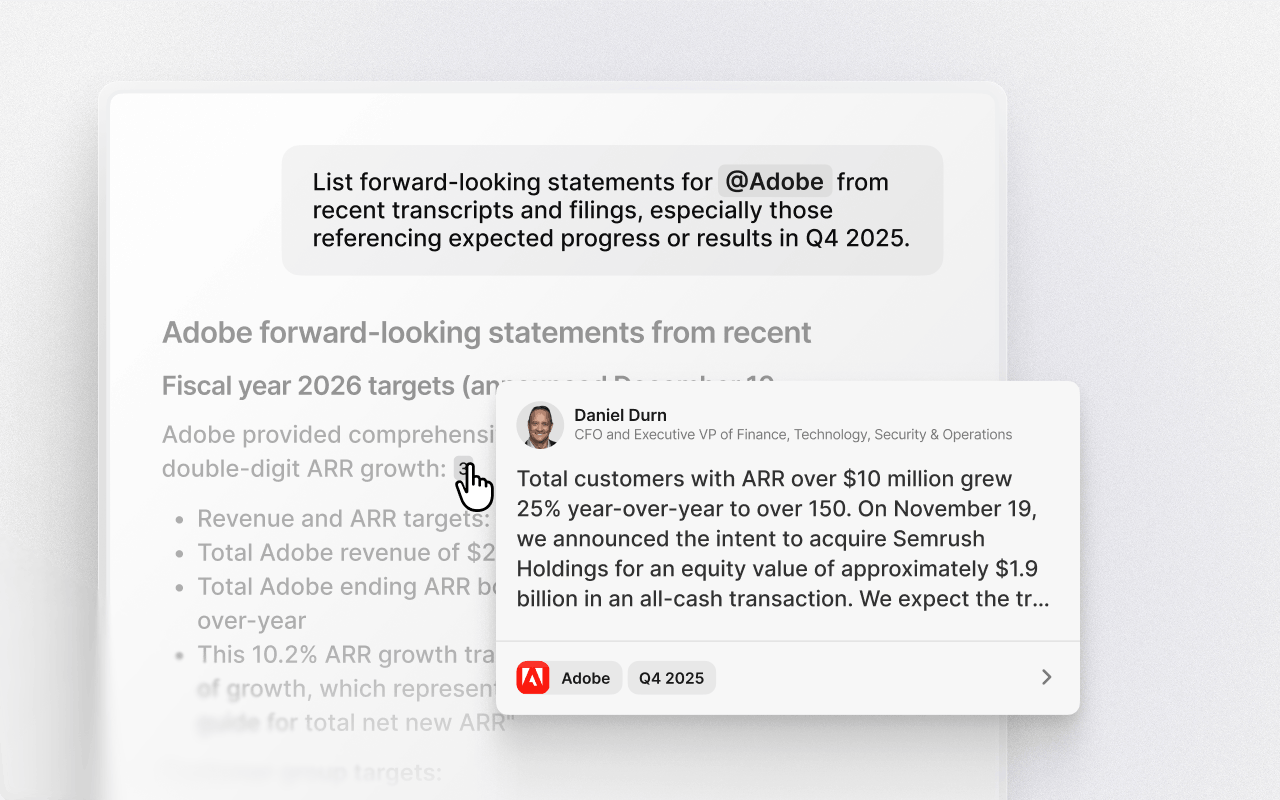
Ask follow-ups
Press any follow-up to continue exploring the topic you're researching. The chat remembers your previous queries and answers, so each follow-up builds on the last. You can also type your own follow-up questions to carry the context forward.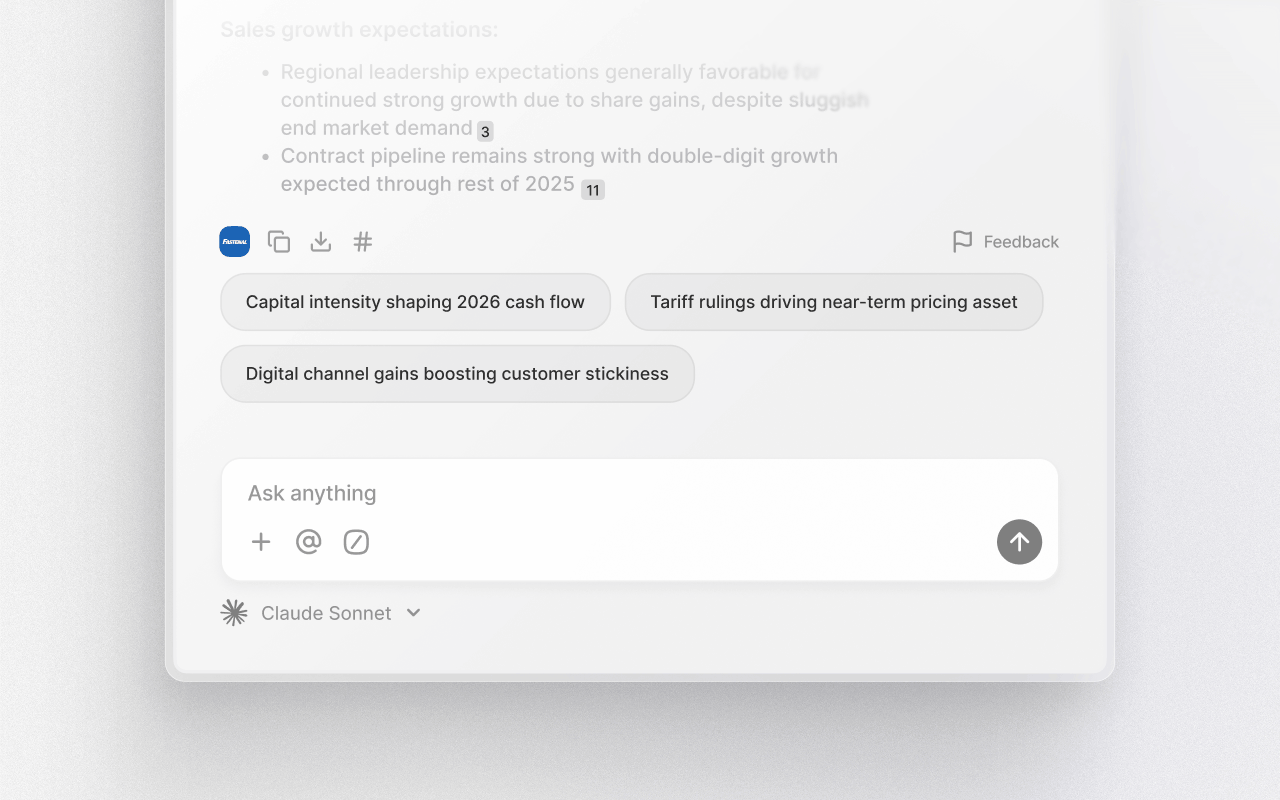
Create charts & tables
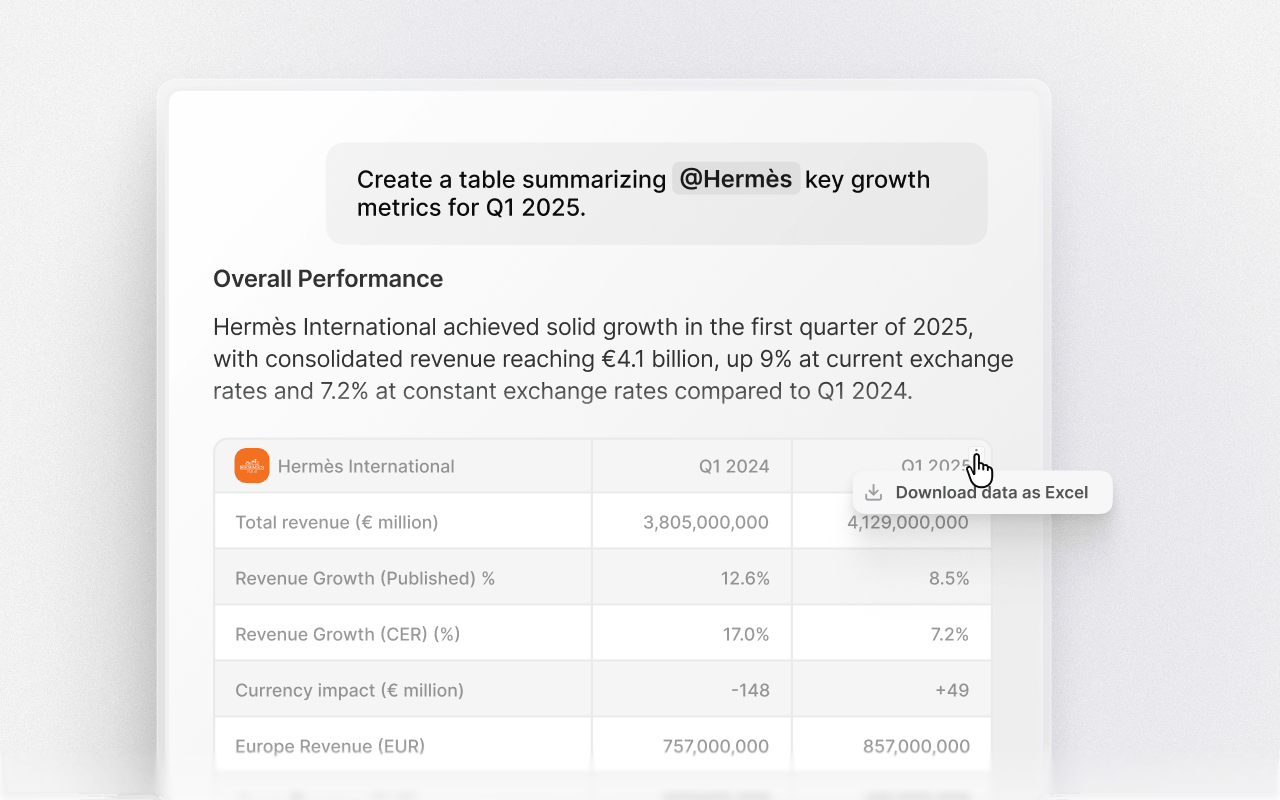
Ask the chat to convert data into tables or charts. The chat can organize information from transcripts, filings, and slides into structured outputs that are easy to review and compare. For example, you can create a table showing how often a company has issued financial guidance and whether it met or missed those targets. Specify the format you want in the prompt – table, chart, or plain text.