Export
Bring custom datasets into other tools.Overview
Extract data from Quartr and use it in your own models and other tools. Download custom datasets built in AI chat or export underlying data directly from slides and documents.Export from AI chat
Use AI chat to build custom datasets from transcripts, filings, and slide presentations. Ask for tables, structured outputs, or time series. Export full chat sessions as PDFs, or download tables and charts to Excel for use in spreadsheets, presentations, or other tools.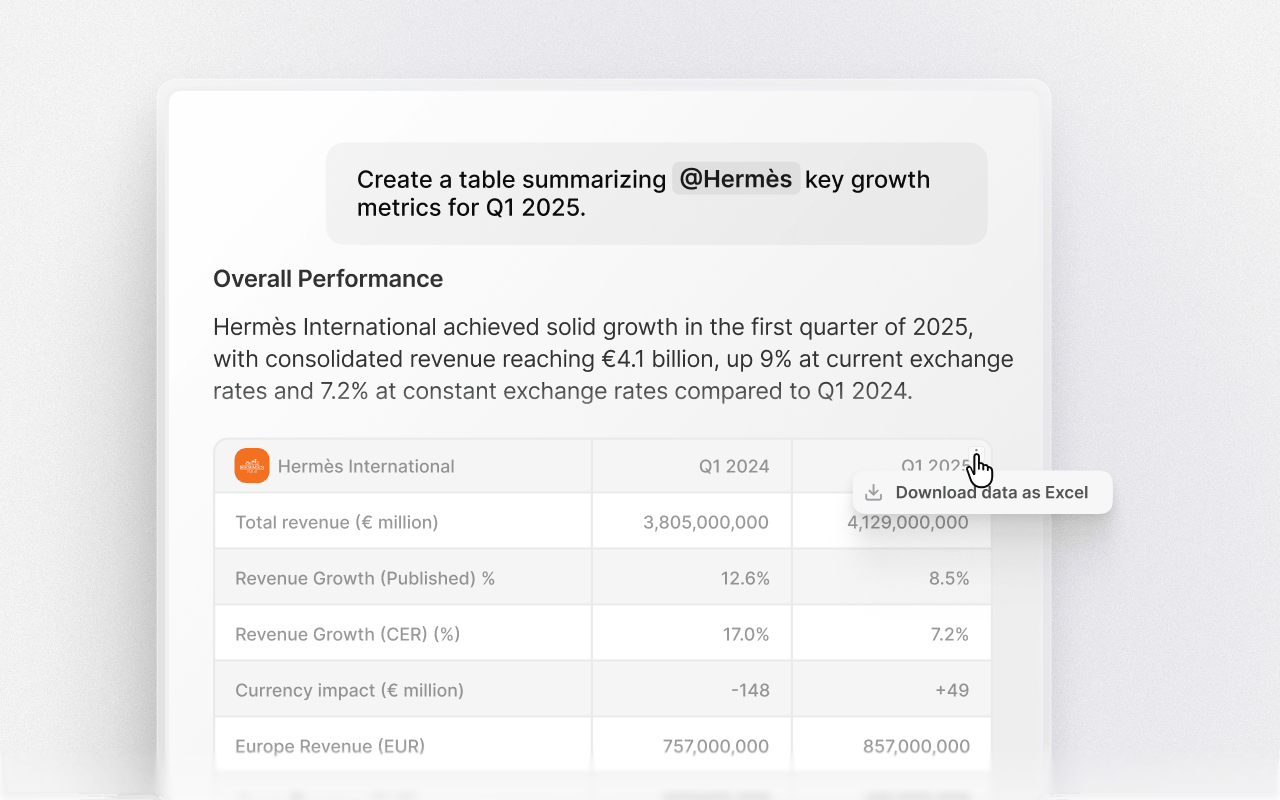
Extract data from slides
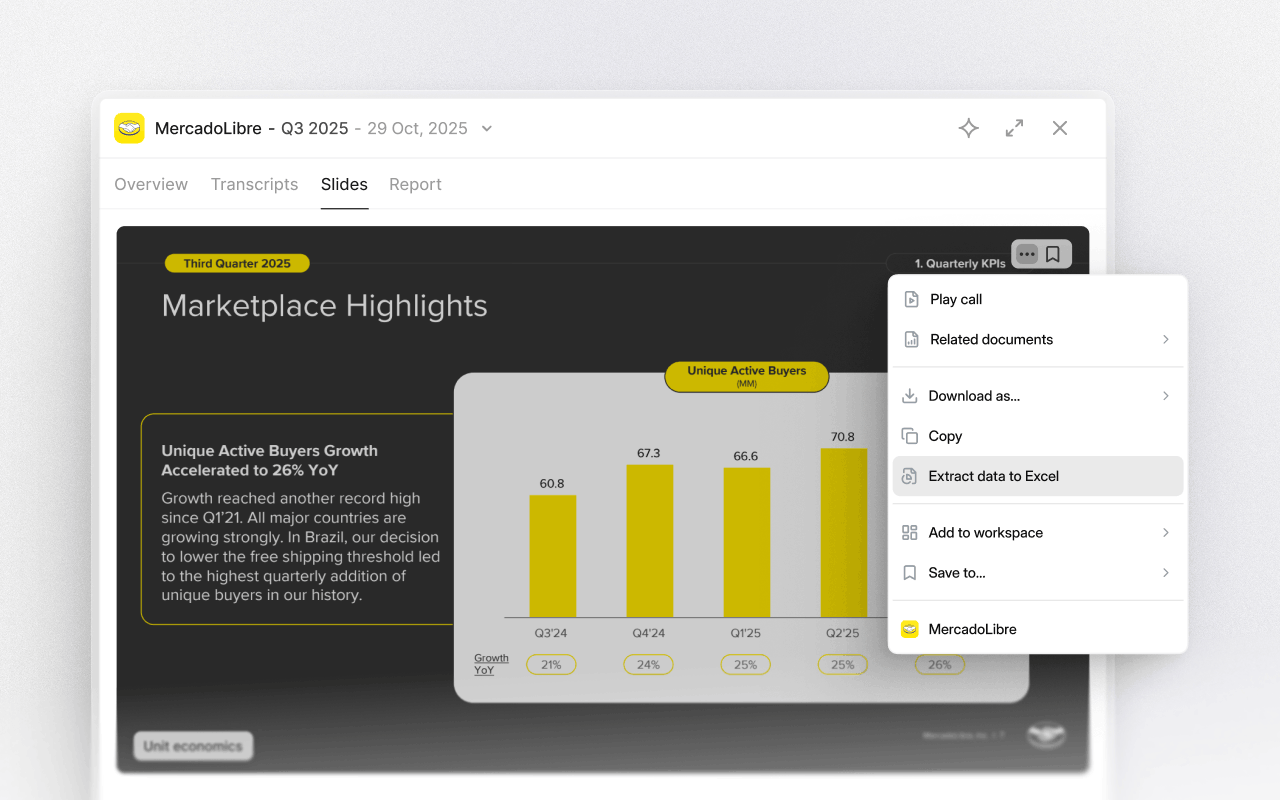
Export the underlying data behind charts and tables in individual slides. This works for all individual slides with charts and tables attached, so you can pull exactly the data you need without exporting slides or entire decks.