Watchlists
Organize your coverage.Overview
Watchlists let you group companies in a way that matches how you work. You can keep holdings separate, organize coverage by sector or theme, and monitor peer groups with greater precision. Watchlists enhance the entire Quartr experience (AI chat, search, and calendar).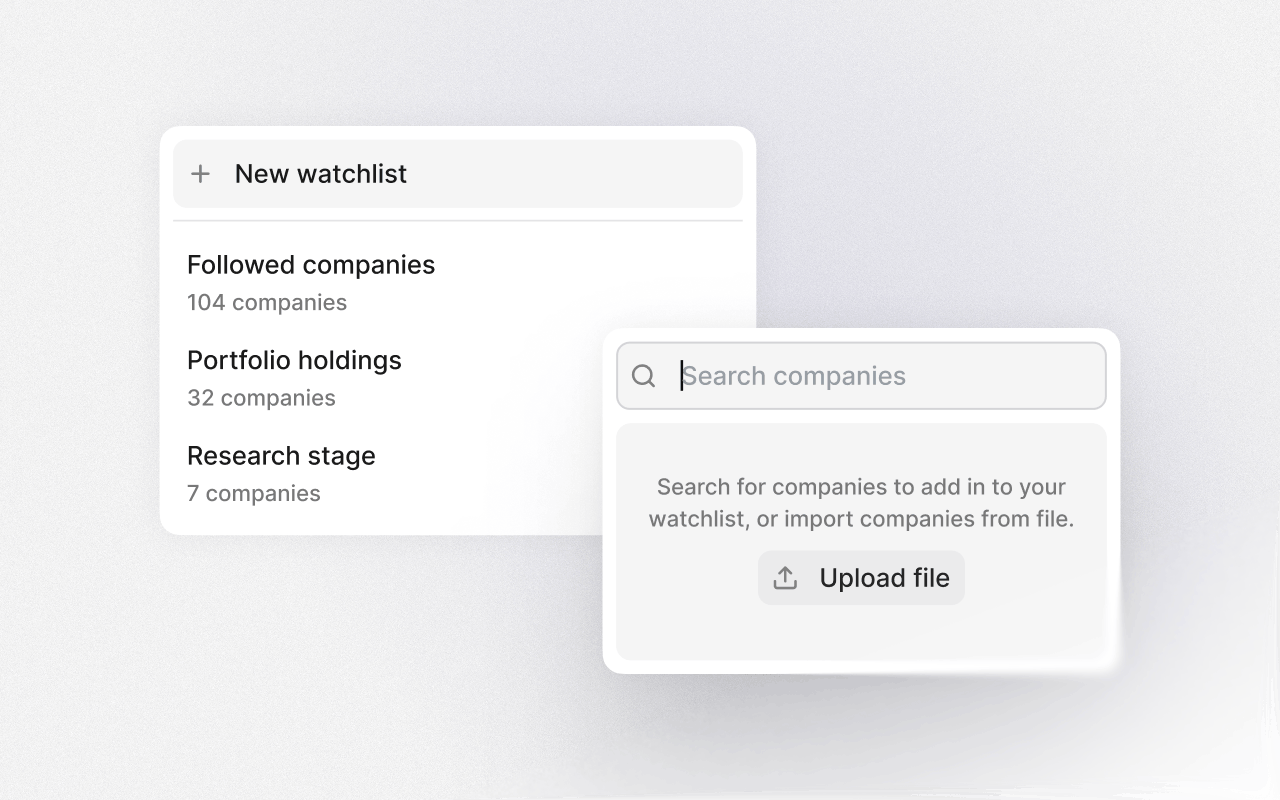
Create multiple watchlists
Create watchlists directly from your profile in Quartr on desktop or mobile. When you follow a new company, you get the option to choose which watchlists it should belong to. A company can be included in one, several, or all of your watchlists. Each watchlist can represent a portfolio, sector, strategy, coverage universe, or peer group – whatever structure fits your workflow. Examples:- Separate long-term holdings from shorter-term positions
- Group companies by sector, geography, or investment theme
- Build peer groups for competitive or relative analysis
Workflow benefits
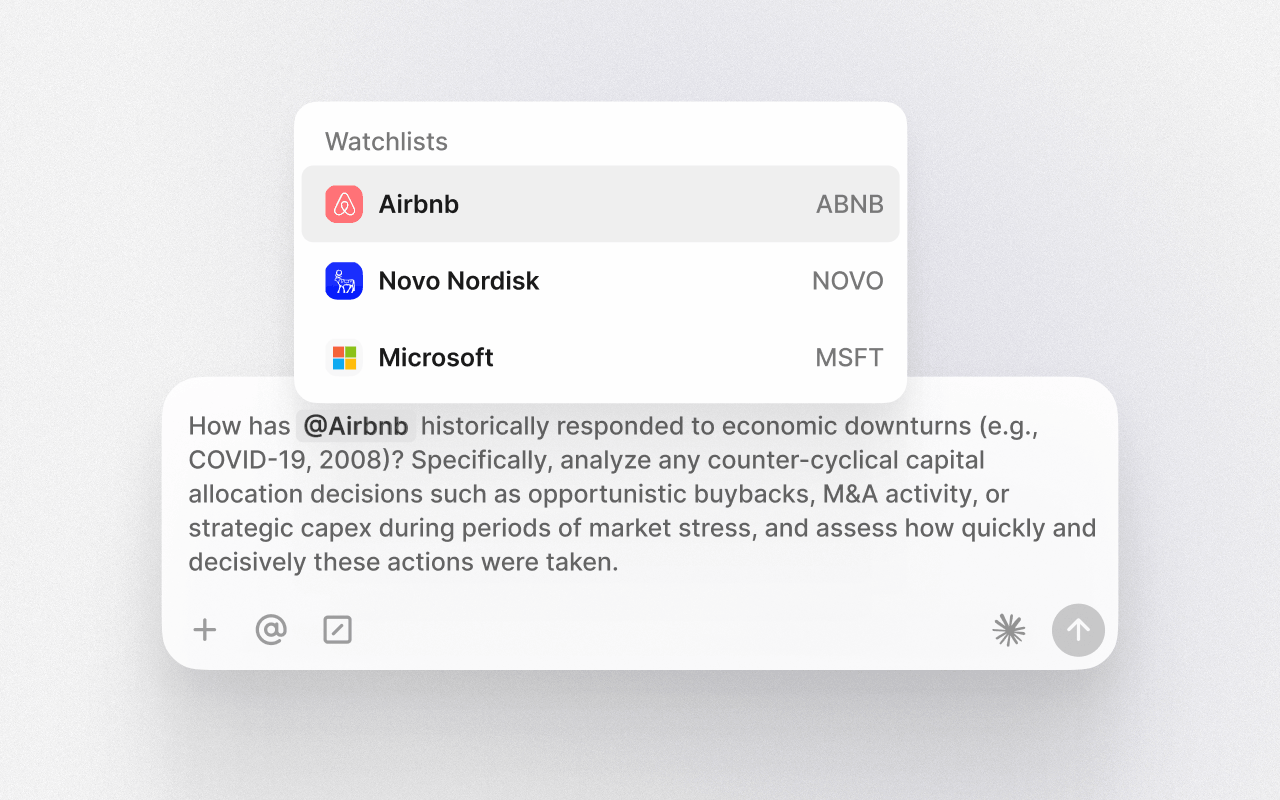
Watchlists are deeply integrated across the platform, enhancing how you research and monitor companies.- AI chat: Type @ and choose any watchlist to run queries across that group.
- Search: Narrow results by searching within specific watchlists.
- Calendar: Apply watchlist filters for a more focused event overview.