Slide search
Scan keyword mentions across slide presentations globally.Overview
This feature lets you search across millions of individual slides from public company presentations. Every slide is extracted and indexed separately, making every title, chart label, footnote, and bullet point fully searchable.Instead of opening deck after deck, you can go straight to the exact slide where a metric, target, product, or narrative appears – across earnings presentations, capital markets days, investor conferences, and more.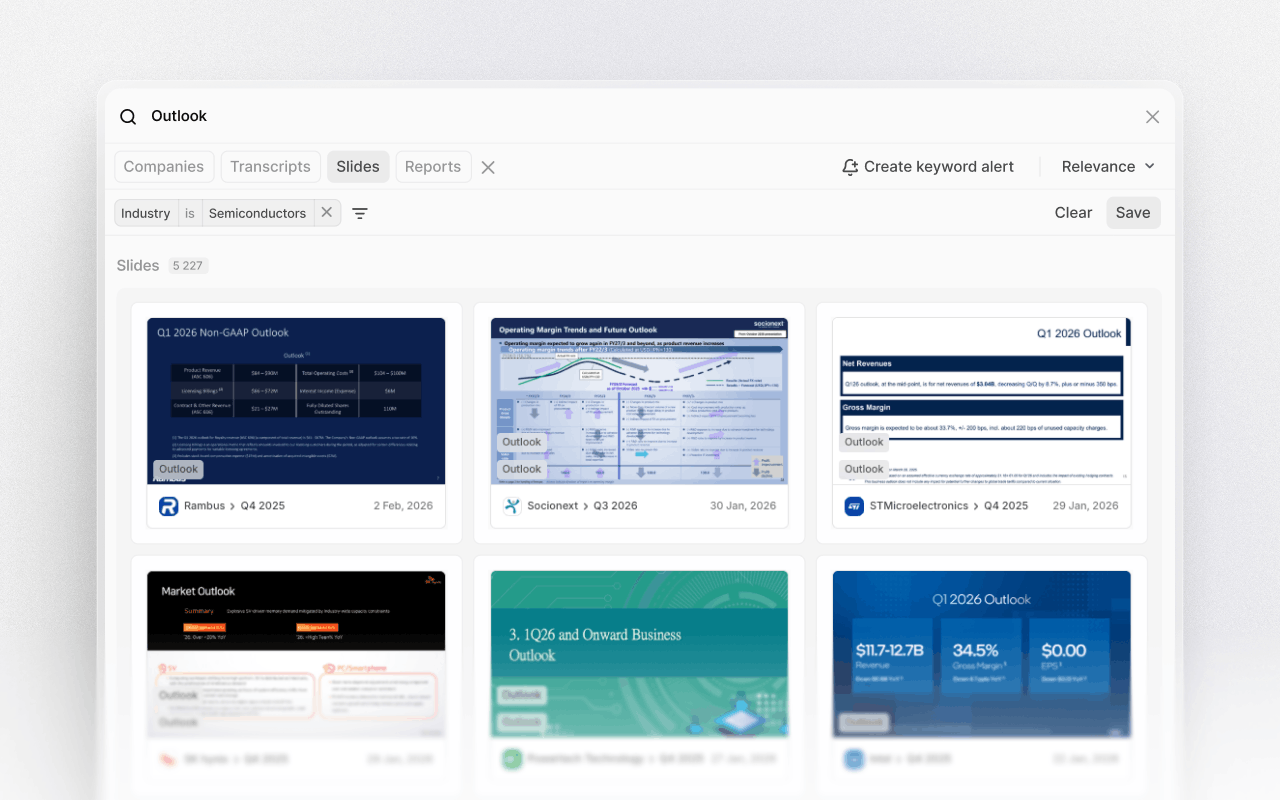
Enter a keyword
Type any keyword or phrase into the search field. This can be a KPI, guidance term, competitor, product name, market, or strategic theme. Use quotation marks to search for exact phrases when precision matters.Because each slide is indexed independently, searches scan the full visual and textual content of presentations.Review slide-level results
Results are returned as individual slides, not documents. Each result shows the company, date, and category of the slide where the keyword appears. This lets you instantly understand context without opening full decks.Click any result to open the slide in full view, with the keyword highlighted.Refine and filter
Narrow results using filters such as company, watchlist, industry, event type, or date range. Start broad across the full market, then focus on a specific sector, peer group, or reporting period.Filters can be combined to match your exact research scope. For example, guidance-related slides from European industrials over the past two quarters.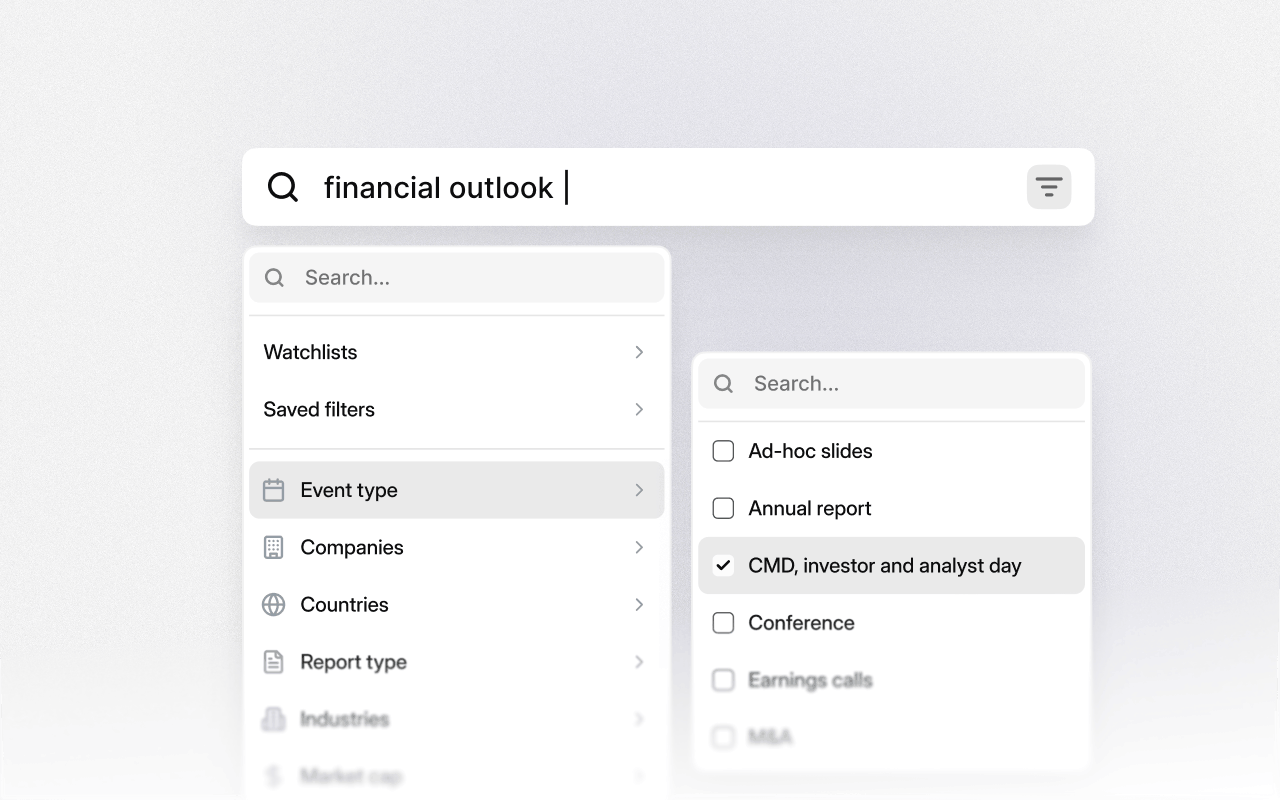
Research themes and industries
Slide search makes it easy to study how entire industries talk about the same topic. Search for terms like "outlook," "pricing," or "capacity," then filter by industry to see how narratives differ across peers.This is especially powerful for identifying emerging themes, shifts in tone, or changes in emphasis.Open in context
From any slide, jump directly to the full presentation or related event. Review surrounding slides, listen to the corresponding audio, or open the transcript to understand how management framed the message verbally.This keeps visual disclosures connected to the broader narrative.Track change over time
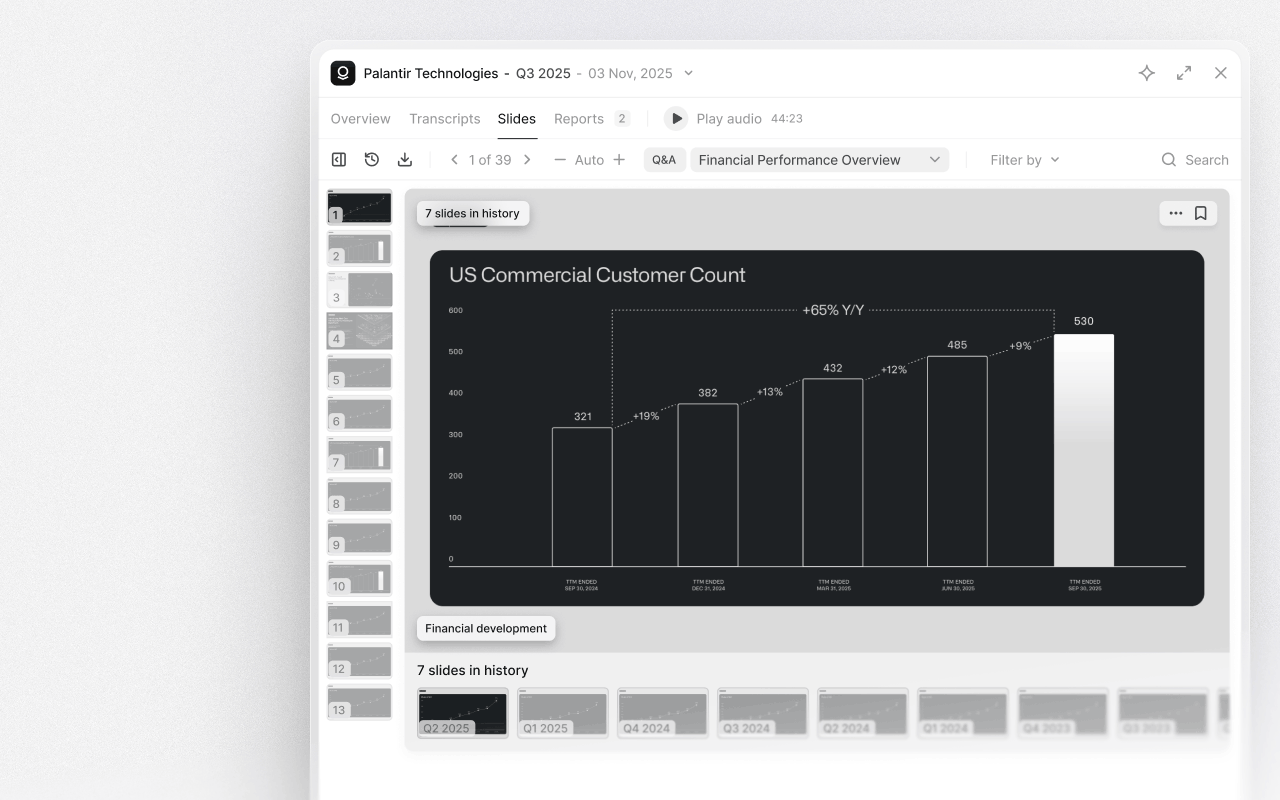
As you review any slide in a presentation, its historical versions appear directly beneath it, letting you scroll through past iterations without leaving your workflow. By comparing individual slides quarter by quarter or year by year, you can quickly spot what's changed, what's been emphasized, and what's quietly disappeared.Slide search combined with history comparison creates a powerful way to spot inflection points early.