Event calendar
Smarter time management.Overview
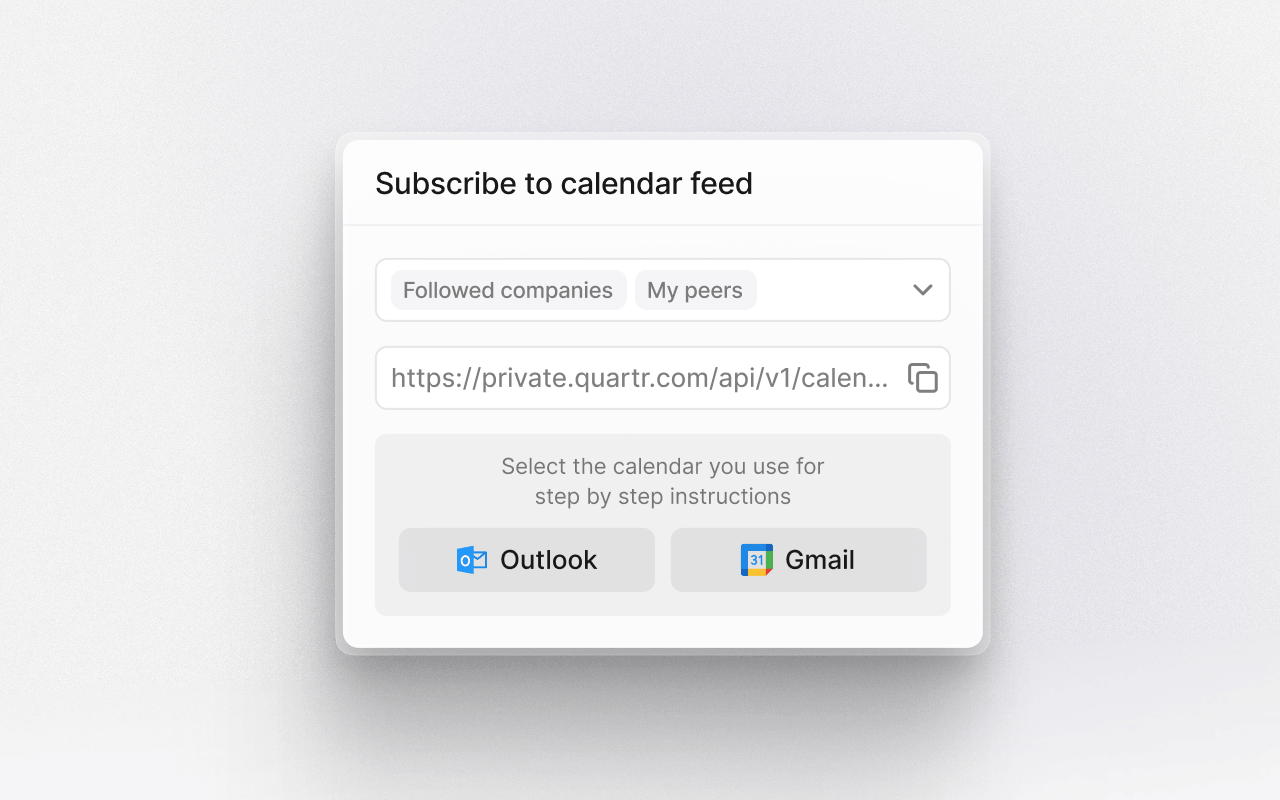
The event calendar helps you stay on top of earnings calls, reports, and key investor events from the companies you follow. View your calendar by week or month, filter the overview by watchlists, and focus on exactly what matters to you.Your personalized calendar can also be synced with your preferred calendar client, keeping important events visible alongside the rest of your schedule on any device.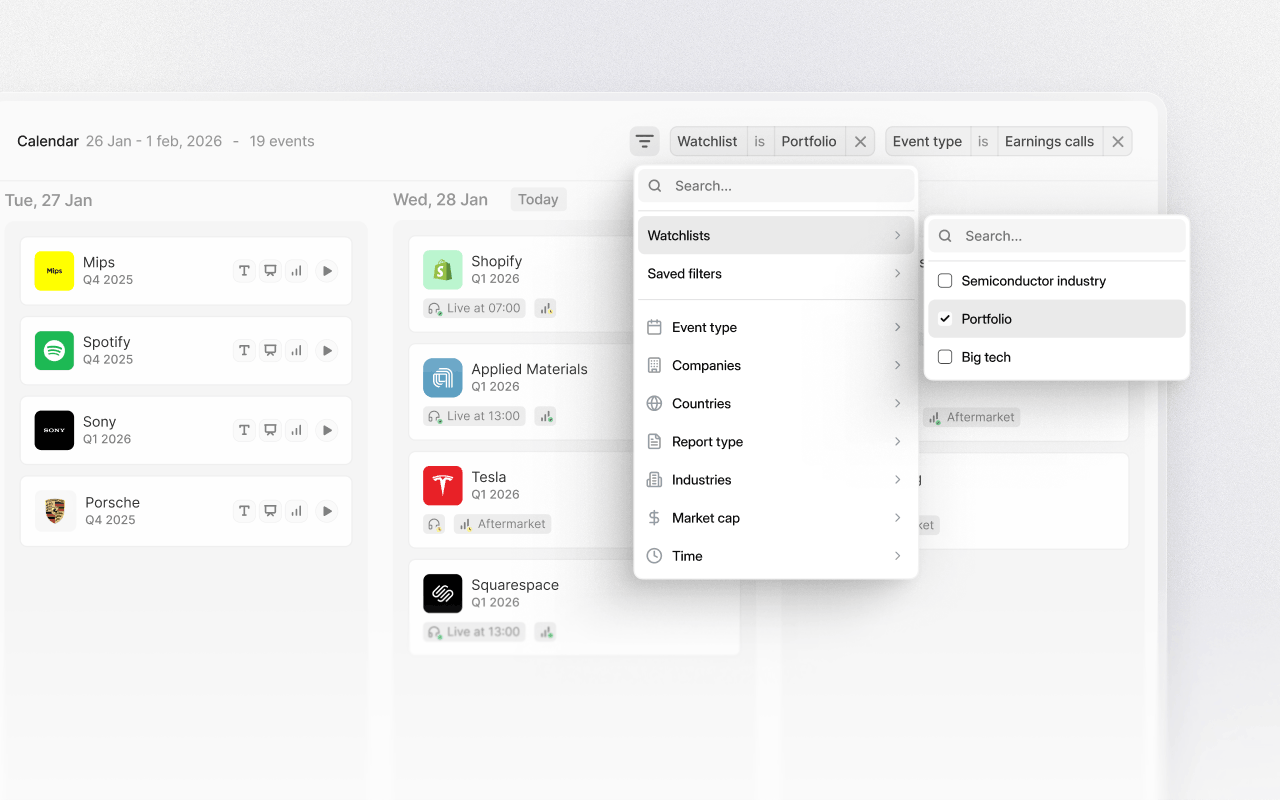
Follow companies
Start by following the companies you want to track. Once a company is followed, its earnings calls, reports, and key events automatically appear in your event calendar. This removes the need to manually track announcements or check individual company websites.View upcoming events
See every upcoming earnings call, earnings release, and other relevant events in a single, clear calendar view. Each event is always just one click away, letting you open the event page directly from the calendar. From here, you can quickly see what's happening today, this week, or further ahead.Customize your calendar
Use filters to tailor your calendar view by company, watchlist, industry, event type, or date range. Focus only on the events that matter to your workflow, whether that's earnings calls, capital markets days, or specific companies.Filters can be adjusted at any time, making it easy to switch between a broad overview and a highly focused view.Open events in context
Click any event in the calendar to open its dedicated event page. From there, you can access live audio, real-time transcripts, slide presentations, summaries, or on-demand replays once the event has ended.This keeps planning and research connected.Sync across devices
The companies you follow sync automatically between desktop and the free Quartr mobile app. Your event calendar stays up to date wherever you are.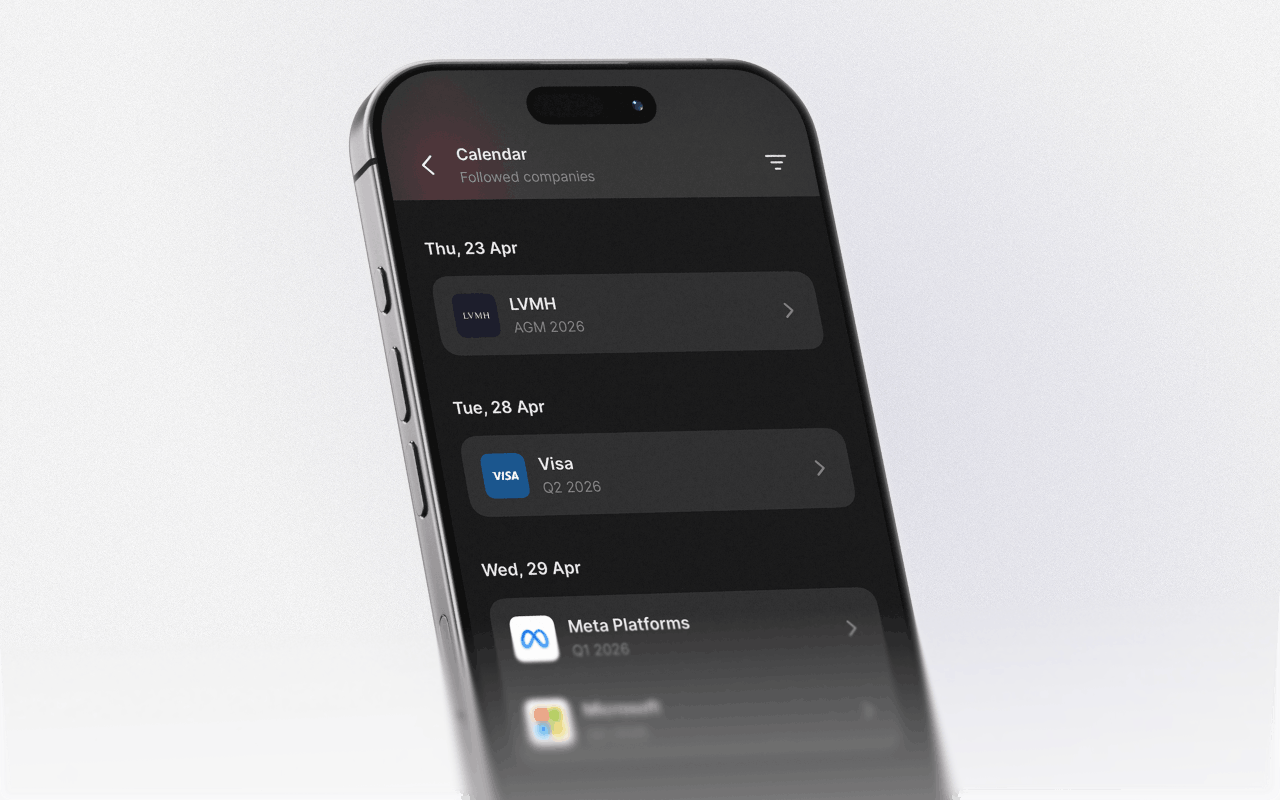
Sync with your calendar client
Sync your personalized event calendar with your preferred calendar client to keep events visible alongside the rest of your schedule. Updates are reflected automatically, so changes to event times or newly announced events stay updated.