Quartr Pro

Transcript highlighting

Easily store key findings.
Feature Asset 8

Overview

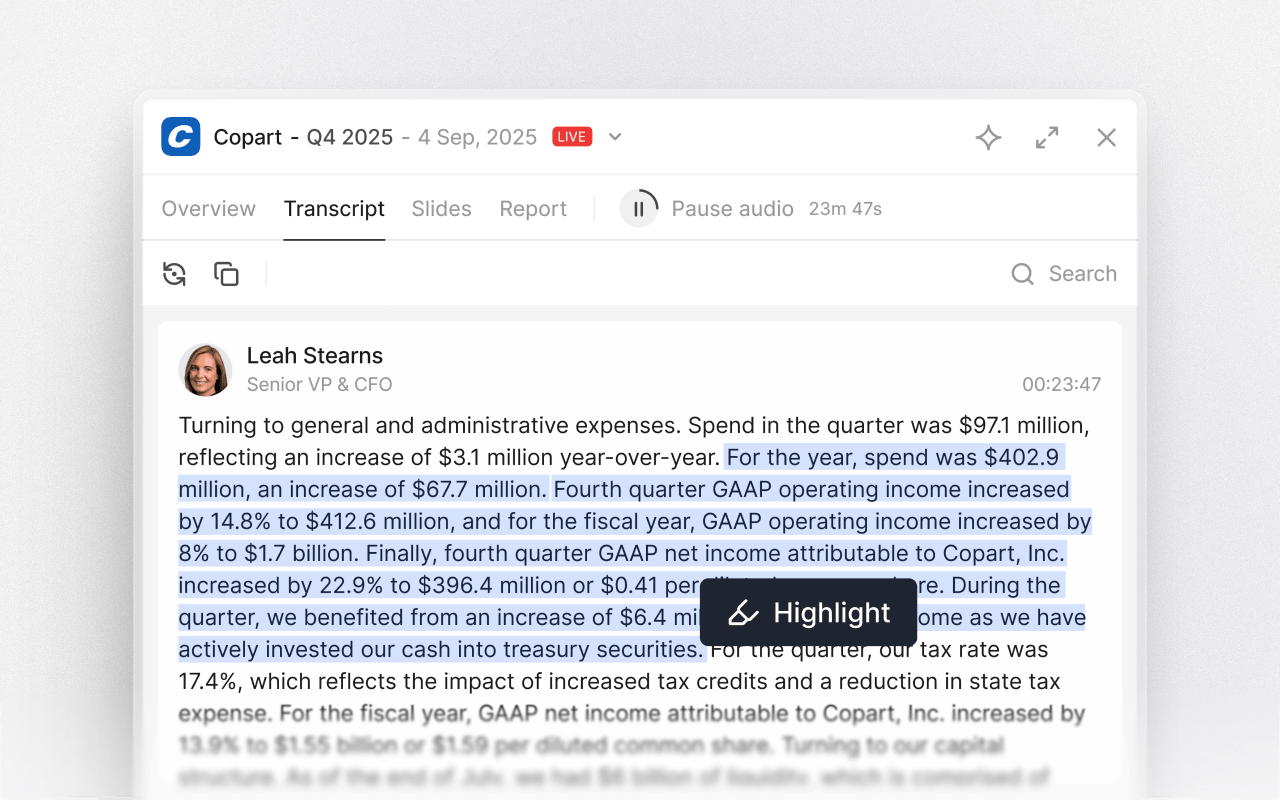
Transcript highlighting lets you mark and save important sections directly in event transcripts while you read or listen. Instead of taking notes elsewhere, you can capture the exact sentences and paragraphs you want to remember and return to them later. Highlights are stored both in the event and in your personal saved section for quick access.
Open a transcript

Open the transcript from any earnings call, capital markets day, investor conference, or other event. Follow along by reading, listening live, or replaying on demand. Transcript highlighting works the same way across live and on-demand transcripts.

Highlight what matters

Select any sentence or paragraph in the transcript and save it as a highlight. On desktop, mark the text and press highlight, or save an entire paragraph with one click using the icon in the transcript. In the mobile app, long-press anywhere in the transcript to highlight a passage.Capture guidance language, KPI explanations, product updates, or key quotes in seconds without interrupting your workflow.

Saves automatically

Each highlight is saved as you create it. You'll find it in two places: directly inside the event where it happened, and in the saved section on your profile.

Jump back to the exact moment

Tap any saved highlight to reopen the transcript at the exact passage. Read the surrounding context, and pick up from the same section when you need to verify wording or refresh your memory.

Syncs across devices

Highlights stay synced between the Quartr mobile app and desktop. If you highlight something while listening on the go, it's waiting for you when you're back at your desk. And if you save highlights during desktop research, they're available on mobile whenever you need.