Global search
Search across all IR documents.Overview
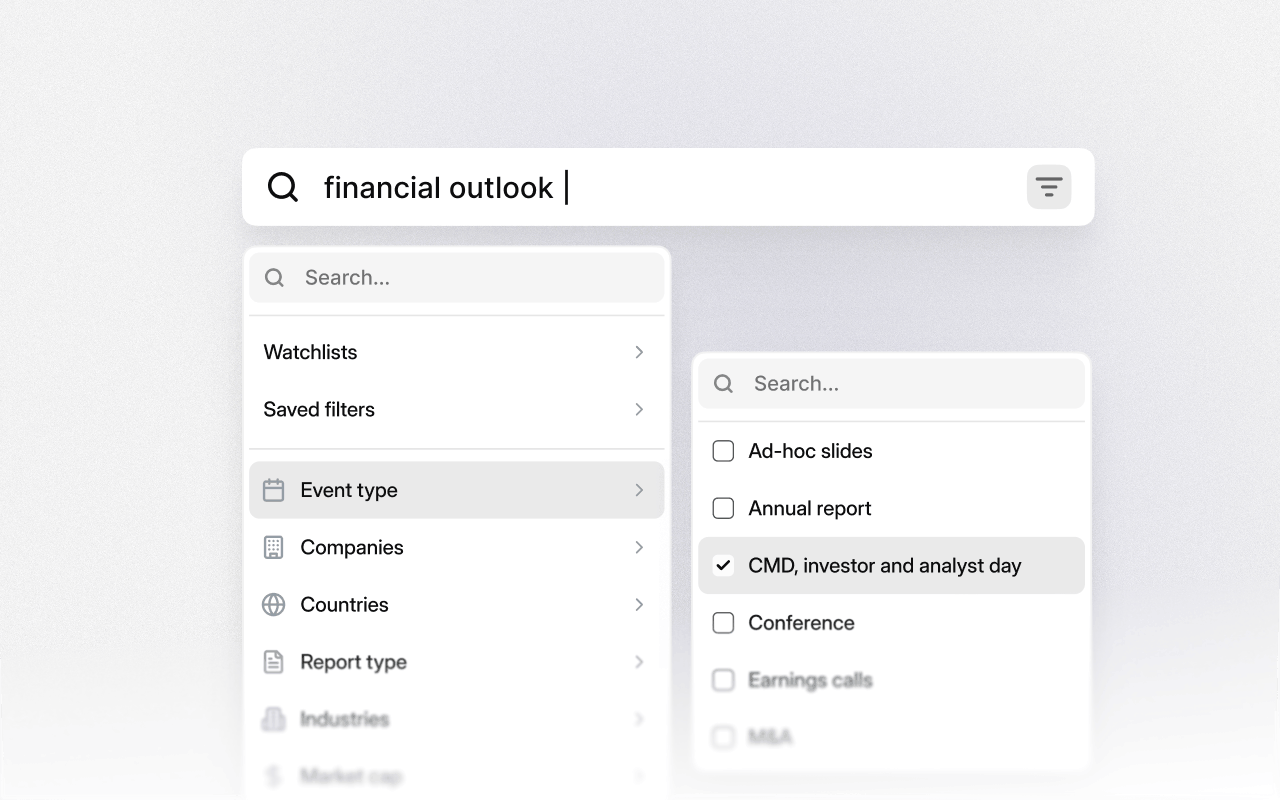
Global search lets you search for any keyword across all investor relations documents at once: earnings call and event transcripts, filings, and slide presentations. Every search scans the full database of 40M+ first-party documents.You can also narrow your scope with customer filters such as document type, event type, time series, market cap, industries, and more.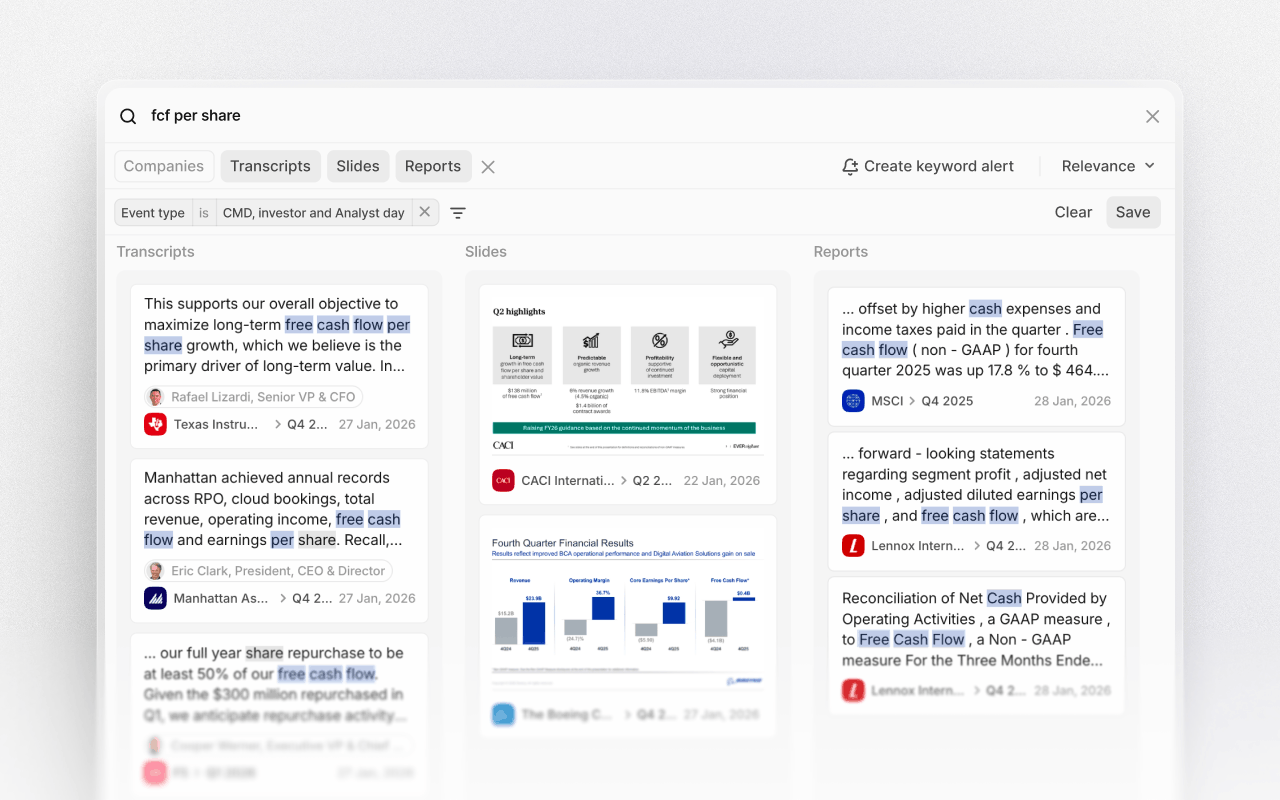
Enter a keyword
Type any keyword or phrase into the search field. This can be a company name, product, competitor, supplier, risk factor, or strategic theme. Use quotation marks to search for exact phrases when you want to avoid synonyms or closely related terms.Review results
Results are presented as a list of every relevant mention, with speaker attribution, document type, and date clearly displayed. From here, you can quickly scan how and where a topic is discussed across companies and documents.Refine and filter
Apply filters to narrow the result by company, watchlist, industry, date range, or document type. This makes it easy to move from a broad search across the entire universe to a focused view on a specific group, period, or disclosure format. Filters can be combined to match your exact research scope.