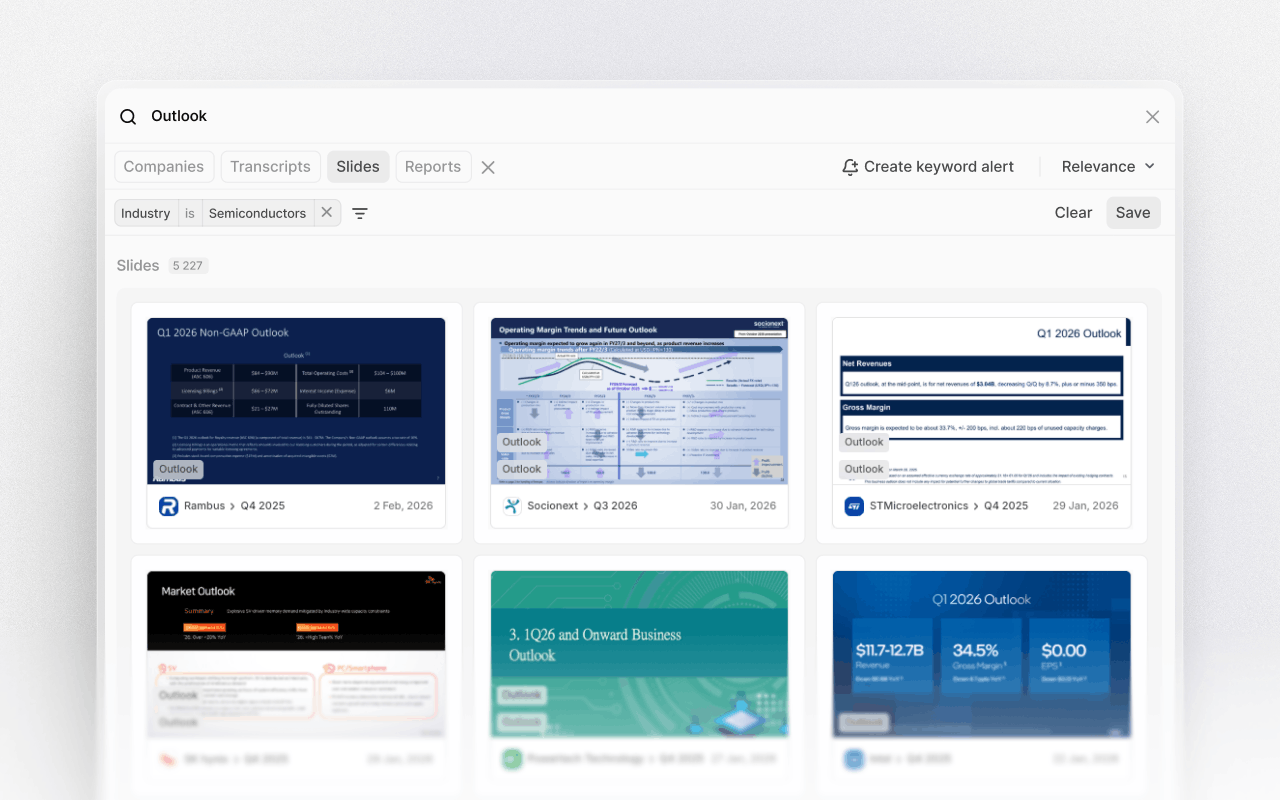
Slide history comparison
Track narrative shifts.Overview
Slide history comparison lets you track changes in messaging, KPIs, and strategic focus over time. By comparing individual slides quarter by quarter or year by year, you can quickly spot what's changed, what's been emphasized, and what's quietly disappeared.As you review any slide in a presentation, its historical versions appear directly beneath it, letting you scroll through past iterations without leaving your workflow.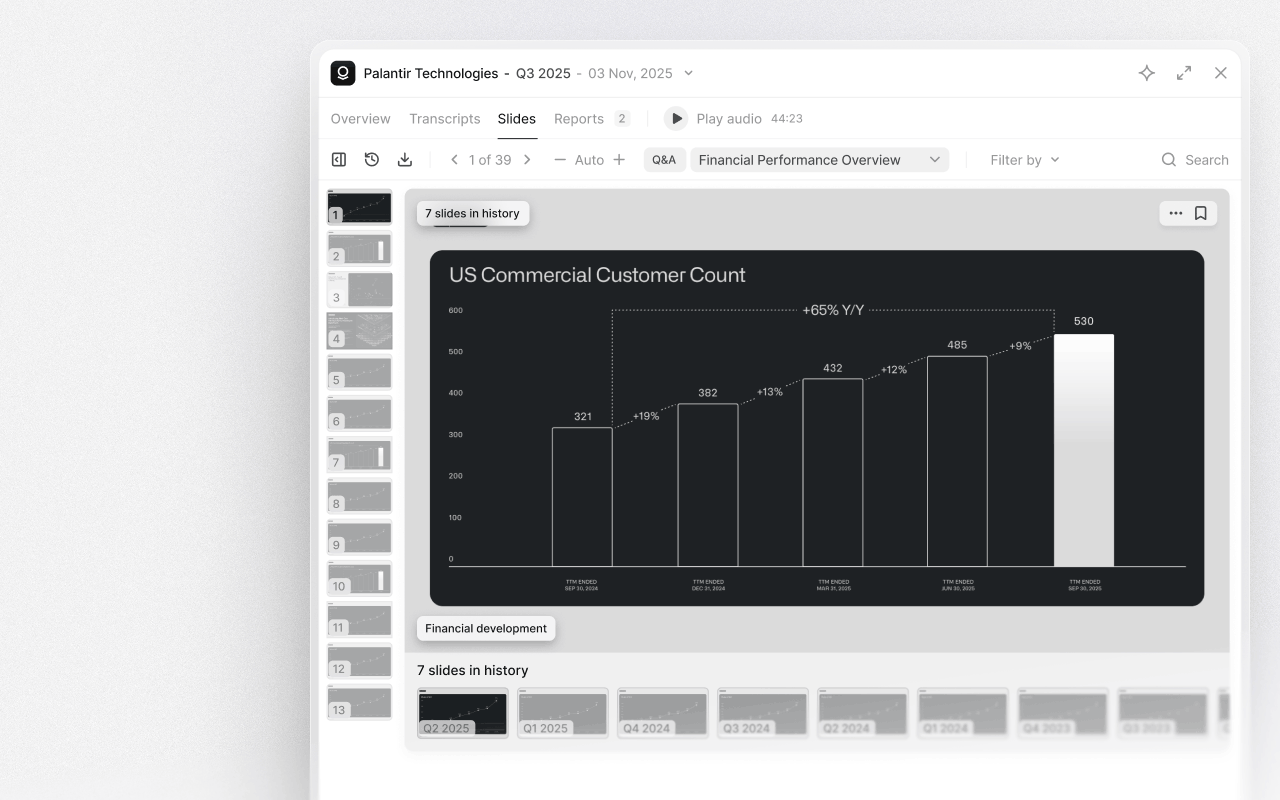
Find slides
Search across millions of individual slides from public company events using keywords, filters, and company or event-level scoping. Each slide is detached from its original PDF and indexed independently, meaning every keyword, chart label, and footnote is searchable.You can also go directly into a specific deck by searching for a company, selecting an event, and opening its slide presentation. This lets you pinpoint the exact slide where a KPI, message, or strategic theme appears across years of presentations from public companies globally.