Quartr Pro

Daily & weekly recaps

Always stay up to date.
Feature Asset 14

Overview

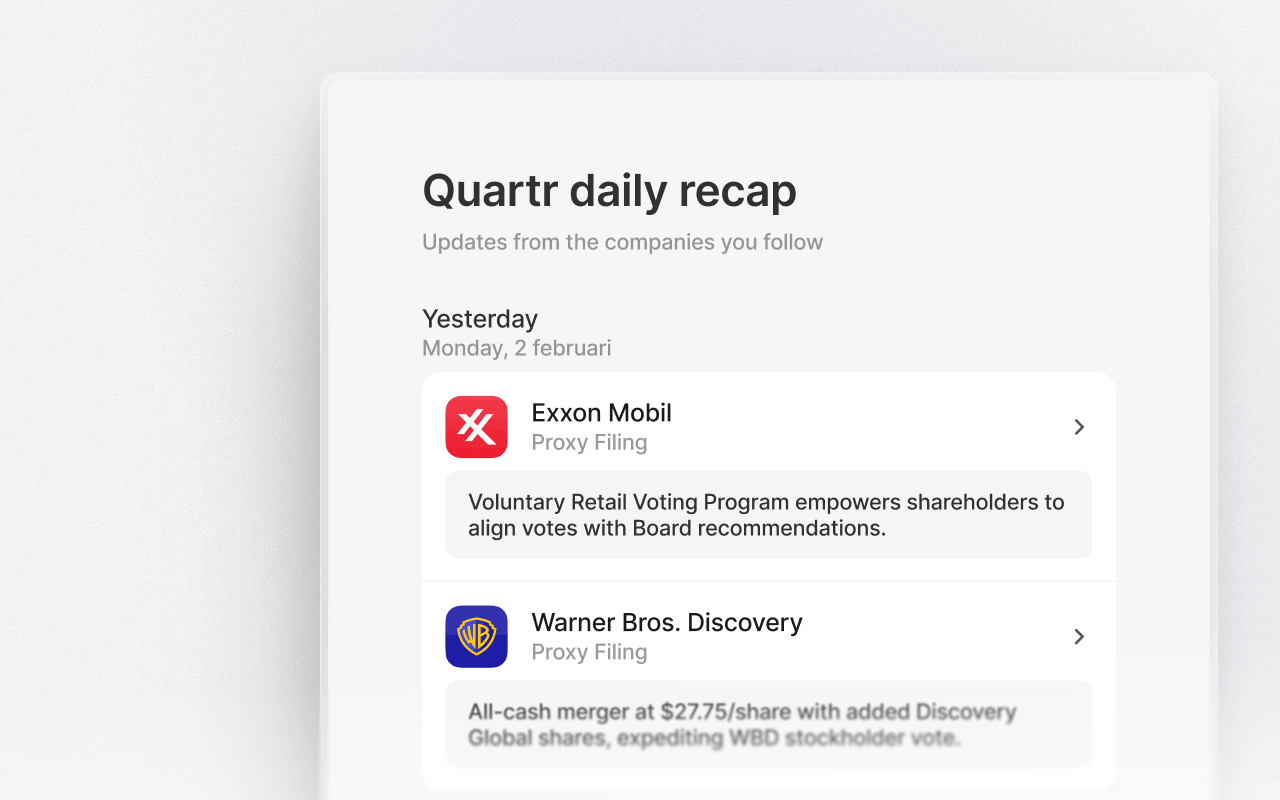
Daily and weekly recaps keep you informed about activity from the companies you follow without needing to check the platform constantly. Opt in to receive emails that summarize what’s happened, including completed events and short summaries. This helps you stay updated and to prioritize what to dive deeper into next.
Choose your cadence

Go to Profile → Newsletters & updates to choose which types of communication you want to receive. You can change your preferences at any time.
  • Daily or weekly recaps: Summaries of all events for the companies you follow
  • News & updates: Feature updates and new product releases
  • Edge by Quartr: Deep dives into how the world’s most interesting companies are built and how they win.

Follow companies

Recaps are built around the companies you follow. As soon as a company is followed, its activity is automatically included in your recaps.

Receive event updates

Each recap email lists events that have taken place since the last recap. This includes earnings calls, capital markets days, investor conferences, and other key events, so you never miss that something happened.

Read short summaries

For each completed event, the recap includes a short summary highlighting the most important points. This lets you quickly understand what changed, what was emphasized, and whether the event is worth diving into in full.

Jump straight into research

Every item in the recap links directly to the relevant event, transcript, slides, or summary in Quartr. From the email, you can move straight into deeper analysis in the original source document.

Stay updated

Choose which companies you follow, set your preferred frequency, and unsubscribe or adjust settings at any time. The goal is to keep you informed.